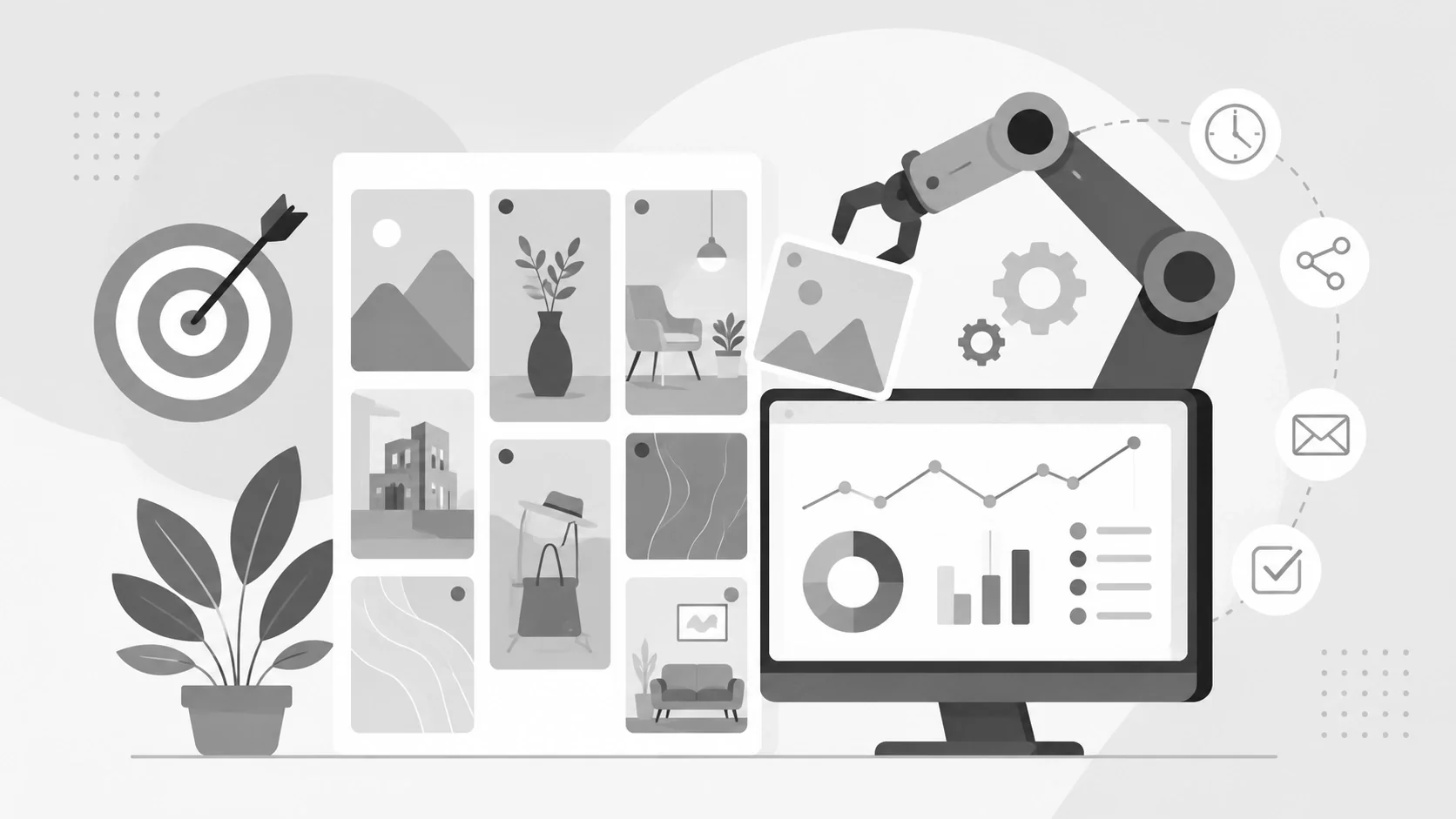
In 2025 and 2026, Pinterest has solidified its status not just as a social media platform, but as a powerful visual search engine where users come with high purchase intent[1]. Unlike other social networks where content disappears in hours, Pinterest Pins have incredible longevity; over 60% of saves come from Pins that are more than a year old[2]. To capitalize on this, marketers must maintain a consistent presence, a task that is nearly impossible without the help of automation and scheduling tools[3].
The Strategic Necessity of Automation
Managing Pinterest manually can be an “expensive nightmare,” costing business owners significant time and potentially thousands of dollars in lost productivity[4][5]. Automation tools solve these challenges by allowing you to:
- Batch Your Work: Instead of logging in daily, you can dedicate one session to plan and schedule weeks of content at once[6].
- Maintain Consistency: Pinterest rewards accounts that provide regular value[7]. Automation ensures your queue is always full, even when you are on vacation or busy with other tasks[5].
- Reach Global Audiences: Tools can automatically publish Pins at optimal times when your specific audience is most active, regardless of your time zone[6].
- Focus on Fresh Pins: The 2025 algorithm heavily favors “Fresh Pins” (original content) over saves[8]. Automation tools like Tailwind SmartPin can automatically generate these unique variations from your URLs to keep your feed active[9].
Key Features to Look for in a Pinterest Scheduler
The best automation tools offer more than just a “post later” button. Serious marketers should look for these advanced features:
- Smart Scheduling: Rather than following generic advice, tools like Tailwind’s SmartSchedule analyze your specific account data to recommend personalized posting times[10].
- Design Integration: Efficiency is key. Platforms that integrate with Canva or offer built-in tools like Tailwind Create allow you to generate Pinterest-optimized designs in minutes[11].
- Board Lists and Interval Pinning: These features allow you to group related boards and space out your Pins intelligently, ensuring your content reaches different audiences without appearing spammy[12].
- Looping Evergreen Content: Features like SmartLoop help recycle your top-performing evergreen content, ensuring your best work keeps circulating over time[13][14].
Comparing Top Automation Tools
While several platforms offer Pinterest support, they serve different needs:
- Tailwind: Often considered the “undisputed champion” for Pinterest, it is an official partner with deep API integration[15][16]. It offers the most robust Pinterest-specific features, including SmartSchedule, Communities, and AI-powered Ghostwriter for captions[14].
- Hootsuite: An ideal choice for those managing multiple social platforms[17][18]. It is one of the few tools that allows you to create and schedule not just Pins, but entire Pinterest boards[19].
- Pinterest Native Scheduler: A free option available for business accounts[18]. While useful for light users, it is limited to scheduling one Pin at a time up to two weeks in advance and lacks batching or advanced analytics[18].
- Other Tools:Later and Planoly are excellent for visual-first brands who want to manage Instagram and Pinterest aesthetics side-by-side[20][21].
Best Practices for Automated Success
To get the most out of your automation tools, follow these strategic guidelines:
- Prioritize Quality Over Quantity: While experts suggest posting 5–25 Fresh Pins per day, five high-quality, optimized Pins will always outperform 25 low-effort ones[8].
- Master Pinterest SEO: Automation won’t help if your Pins aren’t searchable. Include target keywords in your titles (front-loaded), descriptions, and alt text[22]. Pins with alt text can see up to a 123% increase in outbound clicks[23][24].
- Time Your Seasonal Content: Pinterest users plan far in advance[25][26]. Use your scheduler to start posting seasonal content 45–60 days before a holiday or event[27].
- Leverage Analytics: Regularly check your dashboard to see which Pins are driving actual outbound clicks rather than just vanity saves[28].
Final Thoughts
Strategic automation is the difference between “playing Pinterest roulette” and systematically building a long-term traffic engine[29][30]. By using tools to handle the repetitive tasks of scheduling and design, you can focus on the creative strategy that truly grows your brand[31]. Consistent, data-driven posting will ultimately transform Pinterest into one of your most reliable sources of qualified traffic and revenue[32].



References
- 8 Pinterest Schedulers That Will Help You Reach More People [6, 11, 17, 18, 19]
- How Many Pins Should You Create? Pinterest Strategy in 2025. [8, 25, 28]
- How Tailwind Makes Pinterest Scheduling Easy for Small Businesses [1, 2, 3, 4, 5, 7, 9, 10, 12, 31, 32]
- How to Schedule Pinterest Pins: A Step-by-Step Guide [13]
- Pinterest Marketing: The Complete 2025 Guide [22, 23]
- Pinterest Scheduling in 2025: Trends, Best Practices, and Tools [24, 27]
- Tailwind Pinterest Scheduler: Complete Overview & Features [15]
- The Best Pinterest Scheduling Tools in 2025 (Ranked & Reviewed) [14, 16, 20, 21]
- What to Post on Pinterest In 2025 [26]
- Why You Need a Pinterest Posting Schedule in 2025 (And How to Set One Up) [29, 30]